
How It Was Built
A walkthrough of the technical decisions behind the Apex Property Operations Salesforce implementation
This page documents how the Apex Property Operations solution was built in Salesforce. The implementation followed a declarative approach — using Salesforce’s built-in tools rather than custom code — prioritising scalability, data integrity, and alignment with Salesforce best practices.
The build was structured in phases: starting with the data model and working outward through automation, validation, user interface, and reporting.
Declarative build using custom objects, record-triggered flows, validation rules, page layouts, and native reporting — no custom code required.
The diagram below shows the five key areas of the implementation and what was built within each.
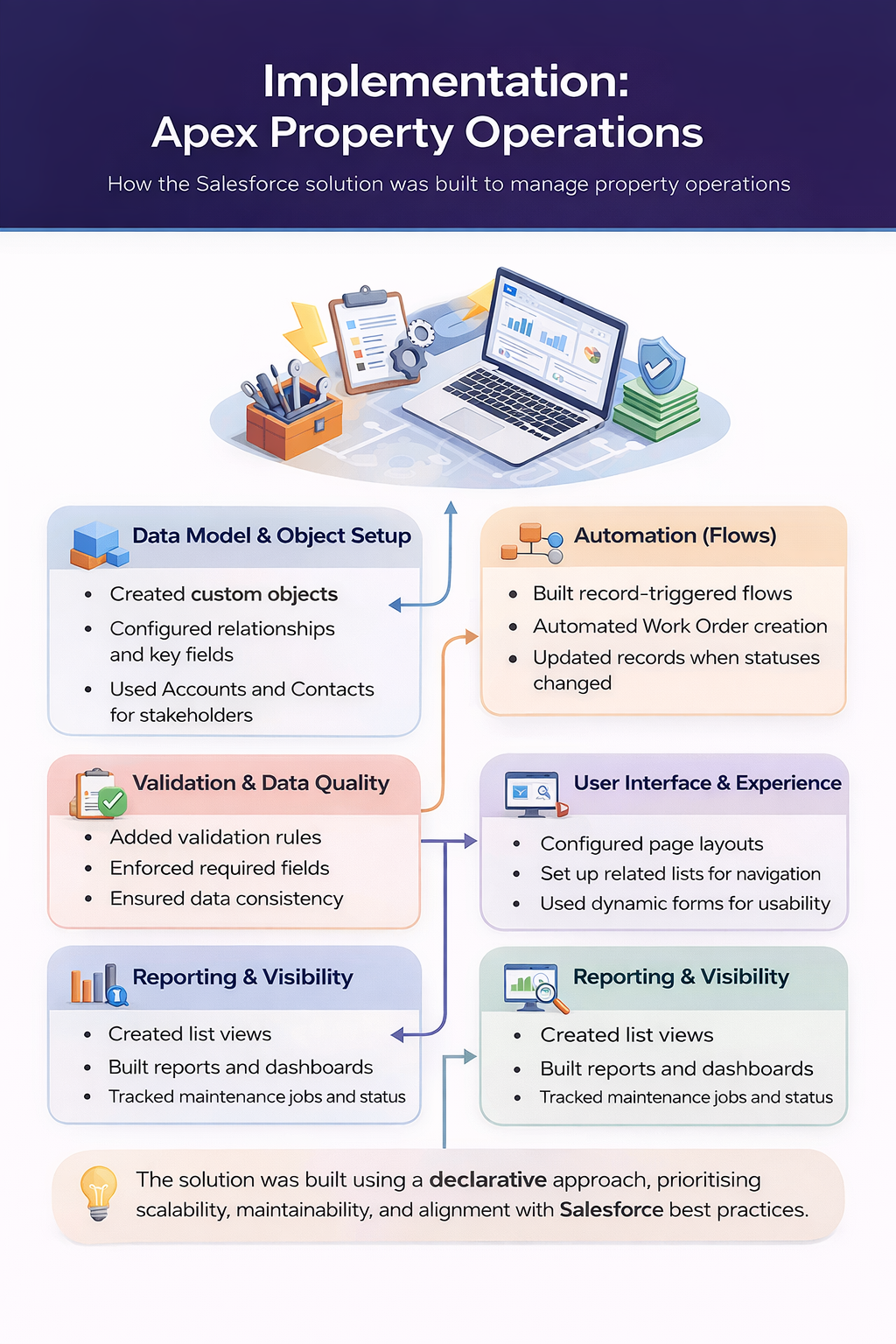
Each area of the build involved deliberate decisions to ensure the solution was practical, maintainable, and aligned with how Salesforce is used in real organisations.
- Created four custom objects with clearly defined relationships
- Used Lookup relationships to keep data flexible and reportable
- Leveraged standard Account and Contact objects for stakeholder management
- Defined key fields at each level to support filtering and reporting
- Built record-triggered flows to automate repetitive tasks
- Automated Work Order creation when a Maintenance Request is raised
- Updated related records when statuses changed to reduce manual updates
- Chose flows over Apex to keep the solution maintainable without code
- Added validation rules to enforce required fields at key stages
- Prevented incomplete records from being saved without critical data
- Ensured data consistency across related objects
- Designed with the end user in mind to avoid unnecessary friction
- Configured page layouts to surface relevant fields for each user role
- Set up related lists for easy navigation between parent and child records
- Used dynamic forms to show or hide fields based on record type
- Prioritised a clean, intuitive layout to support user adoption
- Created list views for quick access to open and overdue work
- Built reports to track maintenance requests by status and priority
- Configured dashboards to give management a live operational view
- Designed reports to support both day-to-day operations and performance review
Building this solution end-to-end reinforced several key principles I apply when approaching Salesforce implementations:
- Start with the data model — everything else depends on getting this right
- Declarative tools are powerful enough for most operational workflows
- Validation rules are essential for maintaining clean, trustworthy data
- Good page layouts and navigation significantly improve user adoption
- Reporting should be planned from the start, not added as an afterthought
Next steps for this project would include adding a Quote object for cost estimation, email notifications to contractors, and an approval process for high-priority requests.
Want to see the full solution design including data model, object relationships, and functional requirements?
View Solution Design